Designing Dark Mode UIs That Actually Look Good
Dark mode is everywhere now and honestly, I get it - it's easier on the eyes, it looks clean, saves battery on OLED screens, and let's be real, most devs just think it looks cooler. But here's the thing: dark mode is not just "make the background black and the text white." If you do that, you'll end up with something that feels like staring at a flashlight in a cave. I've built a few dark UIs now (including this very portfolio you're looking at), so here's what I've picked up along the way.
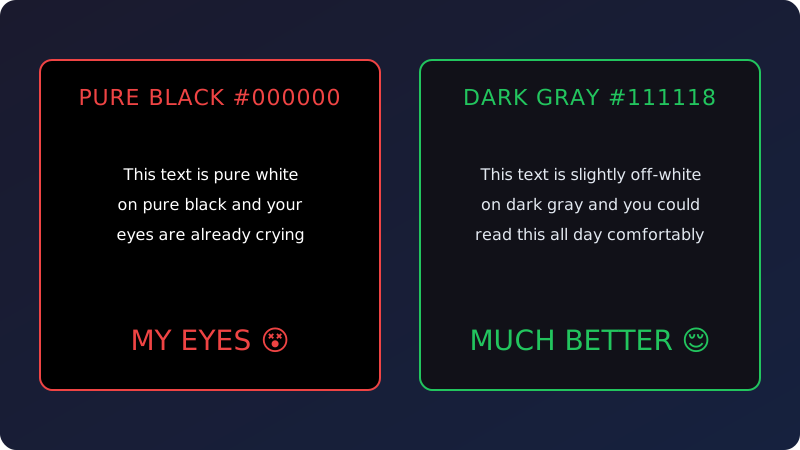
Rule number one: do NOT use pure black (#000000). I cannot stress this enough. Pure black with white text creates insane contrast and it's genuinely uncomfortable to read. Use very dark grays instead - gray-900, gray-950, something like #0a0a0a or #111111. It's such a tiny difference but your eyes will thank you. Same deal with text - don't use pure white (#ffffff). Go with white at 80-90% opacity. It's softer and way easier to read for longer sessions.
Layering is how you create depth in dark mode. Without light backgrounds to separate things, you need subtle shade differences to build hierarchy. My system: base background is the darkest, cards are a touch lighter (white at 5% opacity on top), modals and dropdowns go one step lighter again. Boom - instant depth, no harsh borders needed. Speaking of borders, keep them at like 5-10% white opacity. Just enough to see the edges, not enough to look like a spreadsheet.
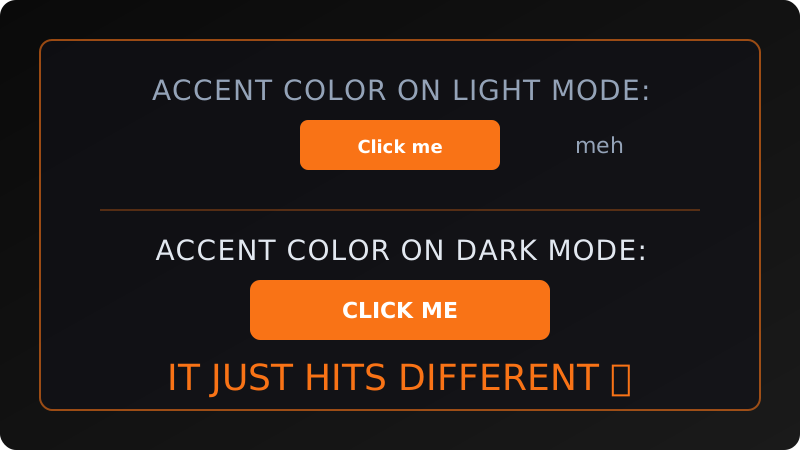
Here's something cool about dark mode - accent colors go absolutely crazy. On a white background, an orange button is just... there. On a dark background? It POPS. That's why I use orange-400 as my main accent - it's warm, it's energetic, and it looks amazing against dark grays. But careful with super saturated colors. Neon green on dark gray looks sick in a Figma mockup but will literally burn your retinas after 5 minutes of actual reading. Tone it down a notch.
Typography in dark mode needs more love than people give it. Bump your line-height up a bit - I go around 1.7 for body text because light-on-dark can feel cramped otherwise. And watch your font weights. Those thin, elegant fonts that look gorgeous on white backgrounds? They look like spider legs on dark ones. Stick to regular (400) or medium (500) weight for body text. Trust me on this.
Shadows are weird in dark mode. A dark shadow on a dark background is basically invisible - congrats, your drop-shadow does nothing. Instead, use subtle glows or lighter borders to show elevation. For my bento cards, I do a super faint border (white at 5%) and then a colored glow on hover (orange with low opacity). It's a small detail but it makes clickable things feel alive. Those tiny touches are what separate "dark theme" from "good dark theme."
Last thing: test your dark mode at 2 AM with the lights off. Seriously. So many designers build their dark theme in a bright office, think it looks great, and then you try to actually use it in bed at night and some accent color is searing through your skull. I always do a final check in actual darkness. If it's comfortable to read at midnight, you're golden.