What I Learned Building Chrome Extensions with Manifest V3
Okay so if you've built Chrome extensions before with Manifest V2, buckle up - V3 is a whole different beast. When I started CodeDusk, I thought it'd be a chill transition. Like, I already knew the basics right? Popup, background script, permissions, whatever. Nope. V3 had other plans for me.
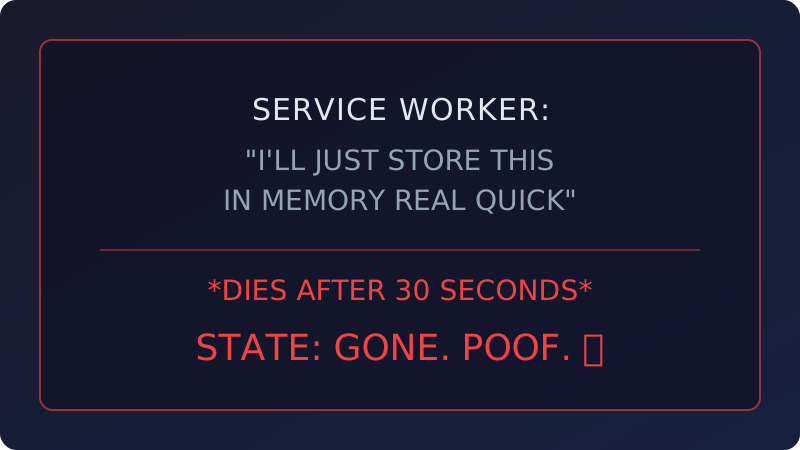
The biggest headache? The background script is gone. Well, not gone - it got replaced with a service worker. Sounds harmless until you realize service workers don't have DOM access and they literally die after 30 seconds of doing nothing. So all that state you were keeping in memory? Poof, gone. Everything has to go through chrome.storage now. I rewrote my background logic three separate times before it stopped randomly losing data. Three times. Good times.
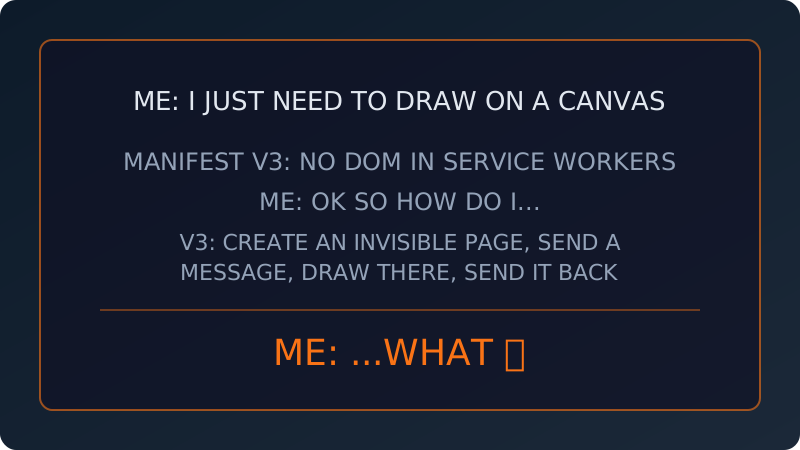
Then there's this thing called offscreen documents. I needed canvas for QR code rendering, but service workers can't touch the DOM, so no canvas. Google's solution? Create an invisible HTML page that runs in the background, do your canvas stuff there, and talk to it through message passing. It's like... imagine you need to draw something, but you're not allowed to hold the pencil, so you have to write a letter to someone in another room asking them to draw it for you. That's offscreen documents. It works but man, it feels so roundabout.
Permissions got way stricter, which - okay, I'll give Google this one - is actually better for users. V2 let extensions grab all the permissions upfront and most people just clicked "allow" without reading anything. V3 pushes you toward optional permissions that you request only when needed. More work for us devs, but honestly? It makes extensions more trustworthy. I respect it even though it made my life harder.
Oh and Content Security Policy? V3 is not messing around. No inline scripts, no eval(), no loading code from external URLs. Everything gets bundled or it doesn't run. If you're using Vite or Webpack it's mostly fine since they bundle stuff anyway. But if you had any CDN scripts or dynamic code tricks... yeah, refactor time. Ask me how I know.
The dev experience during development is also kinda painful. The popup closes every time you click outside of it. Service workers restart on every code change. I ended up just building the main logic as a regular web app first, getting everything working in the browser, and then wrapping it as an extension at the end. Hacky? Maybe. But way faster than hitting "reload extension" 500 times a day.
My honest take: V3 is better for users, worse for developers. At least right now. The security stuff is legit - extensions can't pull as many sketchy moves behind the scenes anymore. But the DX has some rough edges Google is still figuring out. If you're starting fresh, just go V3 and don't look back. If you're migrating an existing extension? Clear your schedule. It'll take longer than you think.